Stream Training Videos on Your TV
0108_01

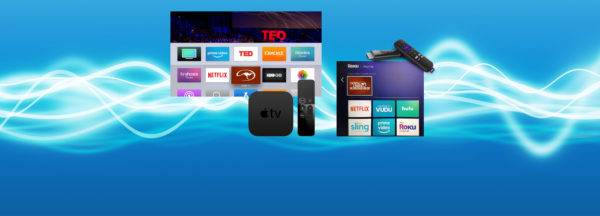
Stream the Method on Apple TV, Android TV, and Amazon Fire! Now you can view all of Clinton’s video content on your TV by simply adding the Downunder Horsemanship streaming app to your device. You’ll use the same login information you use for the Downunder Horsemanship app and the No Worries Club website to access your content.

From No Worries Club videos to training kits, you’ll be able to use your remote to play, rewind, fast forward and stop training content from the comfort of your couch.

How to Add the Downunder Horsemanship Channel to Your Account

To add the Downunder Horsemanship channel to your account if you’re using Apple TV, Android TV or Amazon Fire, perform a search for “Downunder Horsemanship.” When the channel appears, click on it to add it to your lineup.


More News

Back to all news

See All
0421_04

6 years ago

Problem Solving: What to do When Your Horse Won’t Move Forward

Have you ever been on a trail ride when your horse stopped in the middle of the trail and refused…

Read More
0207_01

3 years ago

Clinton is Back on the Trail With No Worries Club Members

In the February No Worries Club video, Clinton is riding in the Arizona desert with a group of No Worries…

Read More
0731_03

8 years ago

Our Warehouse is Relocating

We are in the process of setting up a new warehouse in Farmington, Arkansas at a facility that is better…

Read More
0807_02

8 years ago

Clinton Wraps Up his Training Session With the Osage Outback Riders

In this month’s No Worries Club exclusive, Clinton is back in the arena with the horsemen of the Osage Outback…

Read More