Watch Training Content on Your TV
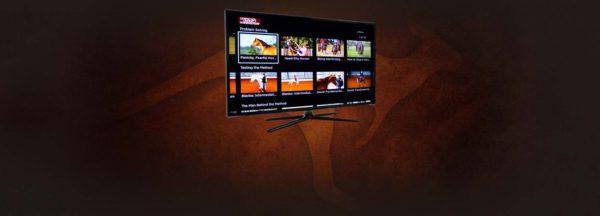
Did you know that you can stream the Method on Apple TV, Android TV, and Amazon Fire? Not only can you view training content on your mobile device and computer, but you can also view all of the video content on your TV by simply adding the Downunder Horsemanship streaming app to your device. You’ll use the same login information you use for the Downunder Horsemanship app and the No Worries Club website to access your content.
From No Worries Club videos to training kits, you’ll be able to use your remote to play, rewind, fast forward and stop training content from the comfort of your couch.
How to Add the Downunder Horsemanship Channel to Your Account
To add the Downunder Horsemanship channel to your account if you’re using Apple TV, Android TV or Amazon Fire, perform a search for “Downunder Horsemanship.” When the channel appears, click on it to add it to your lineup.
